
-

Amazon is using Prime Video viewing to recommend Audible books
-
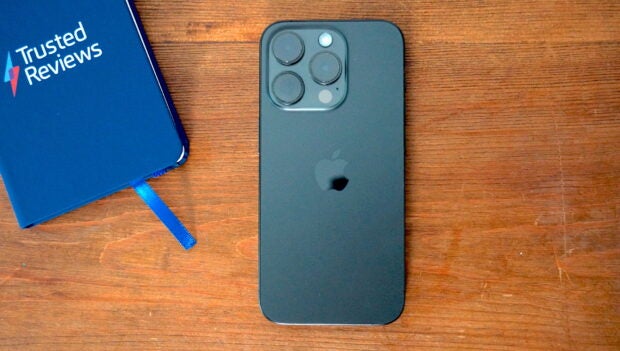
Sending your iPhone in for repair will be less hassle after iOS 17.5 drops
-
PS5 multiplayer invites are finally entering the mobile era
-
The RTX 4070 Ti graphics card just got a rare mega discount
-
Switch owners can now get 7 Star Wars games for a bargain price
-
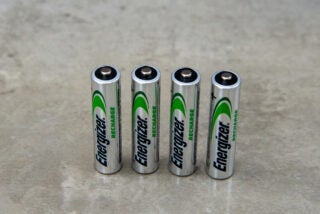
Best Rechargeable AA and AAA Batteries 2024: Tested and reviewed
-
Best GoPro 2024: Which action camera should you buy?







Latest Reviews
-
Dell XPS 16 (2024)
A beastly all-rounder laptop
-
Sharp 5.5L Air Fryer
A solid and easy-to-use air fryer
-
Acer Chromebook Plus 514
A solid all-rounder for reasonable money
-
Rega Planar 2 (2020)
With fifty years of experience making affordable turntables, how does that translate into with the Planar 2?


Top review categories

Why trust our reviews?

Founded in 2003, Trusted Reviews exists to give our readers thorough, unbiased and independent advice on what to buy
We never accept money to review anything. We make our money through affliliate links and advertising.
Our expert team

Many of the most experienced technology specialists in the UK, well known writers with many years’ expertise across mobile phone, computing, AV, photography and more.

Our awards

Proud to be nominated for a number of publishing industry awards in the last few years, including being shortlisted for Best Editorial Team by the PPA in 2017, Best Online Media Property by the AOP in 2018. and Best Online Brand by the AOP in 2022.

Our reviews
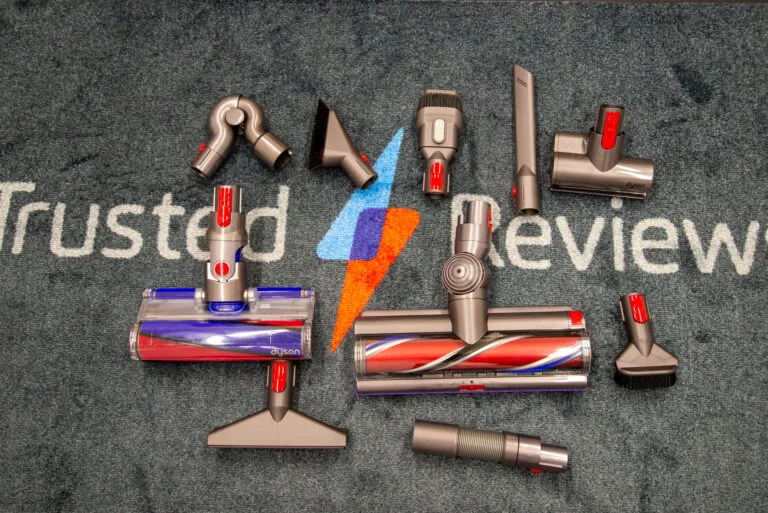
Our reviews are trusted by millions of users from around the world. We rigorously assess over 1000 products a year and we’ve become one of the largest review sites in the UK.

Our expert team
Many of the most experienced technology specialists in the UK, well known writers with many years’ expertise across mobile phone, computing, AV, photography and more.
Our awards
Proud to be nominated for a number of publishing industry awards in the last few years, including being shortlisted for Best Editorial Team by the PPA in 2017, Best Online Media Property by the AOP in 2018 and Best Online Brand by the AOP in 2022.
Our reviews
Our reviews are trusted by millions of users from around the world. We rigorously assess over 1000 products a year and we’ve become one of the largest review sites in the UK.