

Computing Reviews
Check out all our latest computing reviews and previews, covering everything from top notch laptops to powerhouse PC components and networking tech. Every item with a score has been tested by one of our computing experts.
-

-
A solid all-rounder for reasonable money
-
Great gaming spec for the money
-
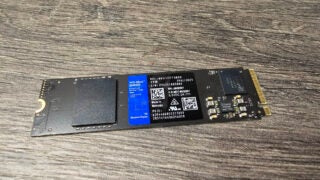
WD Blue SN580 Review
Score
Average price, average performance
-
A solid reboot but not a revolution
-
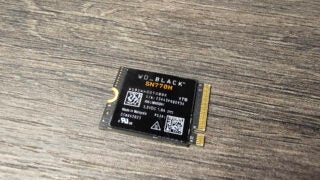
WD_Black SN770M Review
Score
Speedy Steam Deck expansion
-
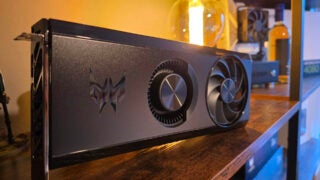
Intel Arc A750 Review
Score
The ultimate budget graphics card
-
A worthy Apple Studio Display rival
-
Intel Arc A770 Review
Score
Misses the mark on value
-
Team Red’s ultimate budget GPU
-
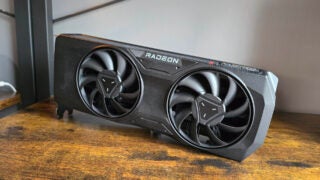
Taking the fight to the RTX 4070
-
Keychron Q5 Pro Review
Score
A big and heavy enthusiast-level monster
-
A premium yet affordable graphical crackerjack
-
Keychron K3 Max Review
Score
An ultra-slim mechanical keyboard
-
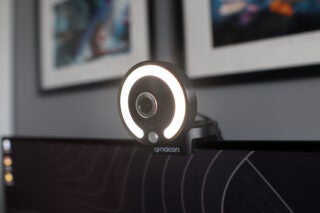
An affordable webcam with some handy extras
-
-
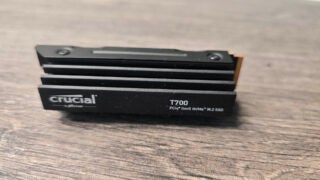
Crucial T700 Review
Score
A solid all-around PCIe 5.0 SSD
-
Keychron Q6 Pro Review
Score
A mechanical keyboard with fantastic switches
-
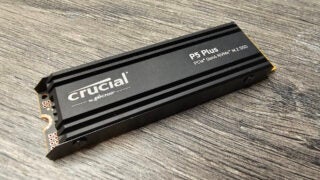
Crucial P5 Plus Review
Score
An average budget SSD for PS5 expansion but nothing more
-
A fantastic OLED upgrade
-
The ultimate PS5 SSD
-
Logitech's first 60% keyboard is a solid start
-
Beautiful design and beastly performance
-
A fantastic compact gaming laptop
-
Razer's latest and greatest keyboard is a real winner
-
Steam Deck OLED Review
Score
Minor tweaks make a big difference
-
Philips 27B1U7903 Review
Score
A work monitor with superb HDR performance and Thunderbolt 4
-
A disappointing colour laser printer
-
A streaming webcam with clever software
-
A budget headset that fails to impress


















Page 1 of 176