
-

Apple's first wave of AI features could be iPhone 16 exclusive
-
Why Apple pulling GBA emulator isn't the bad news it seemed
-
Pixel 9 satellite messaging detailed in new report
-
This Prime Day-level Kindle deal doesn't require a membership to buy
-
This Apple Watch deal gets you cellular connectivity for an extra £10
-
What sets gaming phones apart from regular smartphones?
-
One of Logitech's strangest keyboards is going mega cheap







Latest Reviews
-
Samsung Galaxy XCover 7
One of Samsung's most durable phones to date, with IP68 dust and water resistance and MIL-STD-810H ratings to boot.
-
PSB M4U 9
Wireless headphones with a premium price
-
Keychron K3 Max
An ultra-slim mechanical keyboard
-
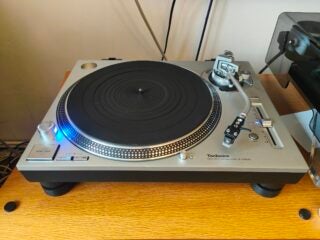
Technics SL-1200GR2
Technics latest and greatest SL-1200 turntable?



Top review categories

Why trust our reviews?

Founded in 2003, Trusted Reviews exists to give our readers thorough, unbiased and independent advice on what to buy
We never accept money to review anything. We make our money through affliliate links and advertising.
Our expert team

Many of the most experienced technology specialists in the UK, well known writers with many years’ expertise across mobile phone, computing, AV, photography and more.

Our awards

Proud to be nominated for a number of publishing industry awards in the last few years, including being shortlisted for Best Editorial Team by the PPA in 2017, Best Online Media Property by the AOP in 2018. and Best Online Brand by the AOP in 2022.

Our reviews
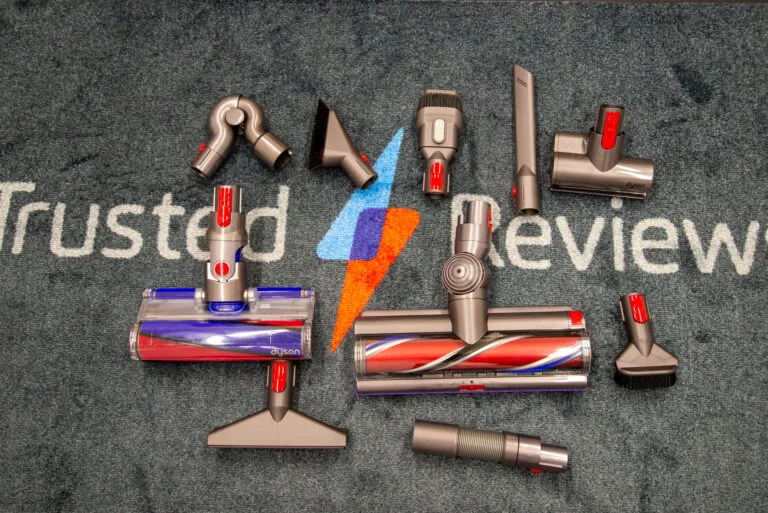
Our reviews are trusted by millions of users from around the world. We rigorously assess over 1000 products a year and we’ve become one of the largest review sites in the UK.

Our expert team
Many of the most experienced technology specialists in the UK, well known writers with many years’ expertise across mobile phone, computing, AV, photography and more.
Our awards
Proud to be nominated for a number of publishing industry awards in the last few years, including being shortlisted for Best Editorial Team by the PPA in 2017, Best Online Media Property by the AOP in 2018 and Best Online Brand by the AOP in 2022.
Our reviews
Our reviews are trusted by millions of users from around the world. We rigorously assess over 1000 products a year and we’ve become one of the largest review sites in the UK.

-
This MSI RTX 4060 laptop is a steal for gamers on a budget
-
This Samsung Galaxy Tab deal decimates the entry-level iPad
-
No need to wait for Prime Day – the Fire TV Stick 4K is reduced right now
-
Monitor Refresh Rates: Why higher isn't always better
-
Cambridge Audio announces enhanced CXA81 Mk II amplifier