
-

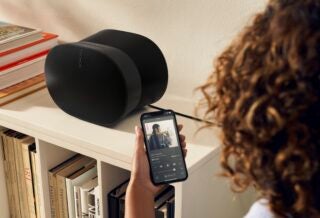
Sonos app relaunch won't bring back its most missed iOS feature
-
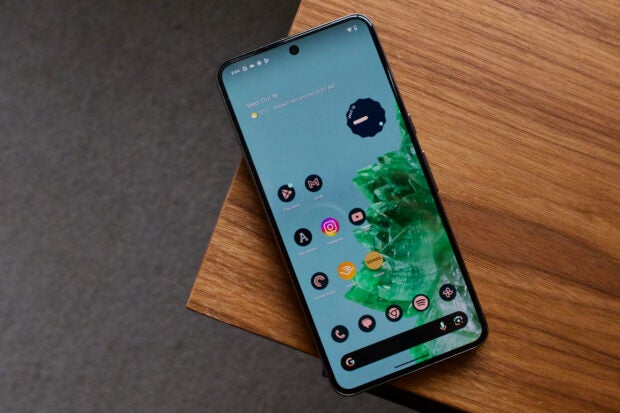
Android 15 'even dimmer' display mode tipped to ease eye strain
-
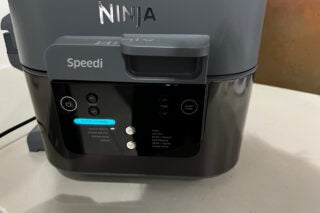
We've found one of Ninja's biggest air fryer deals yet
-
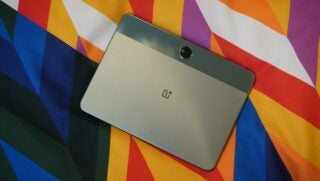
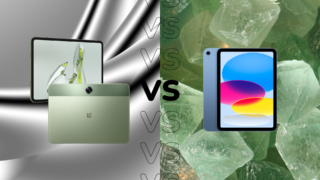
OnePlus Pad Go could set a new standard for cheap Android tablets
-
This Steam Deck alternative is now massively reduced
-
4 big reveals we expect to see at Apple's May Let Loose event
-
How to turn on LDAC streaming on Android phones




Latest Reviews
-
AMD Radeon RX 7600
Team Red’s ultimate budget GPU
-
OnePlus Pad Go: We go hands-on with the budget tablet
We go hands-on with the budget-focused tablet
-
Grado Reference Series Hemp
It turns out that hemp is more than just a scourge on society…
-
Motorola Moto G04
The Moto G04 offers a simple, but tempting, smartphone experience for just £89.



Top review categories

Why trust our reviews?

Founded in 2003, Trusted Reviews exists to give our readers thorough, unbiased and independent advice on what to buy
We never accept money to review anything. We make our money through affliliate links and advertising.
Our expert team

Many of the most experienced technology specialists in the UK, well known writers with many years’ expertise across mobile phone, computing, AV, photography and more.

Our awards

Proud to be nominated for a number of publishing industry awards in the last few years, including being shortlisted for Best Editorial Team by the PPA in 2017, Best Online Media Property by the AOP in 2018. and Best Online Brand by the AOP in 2022.

Our reviews
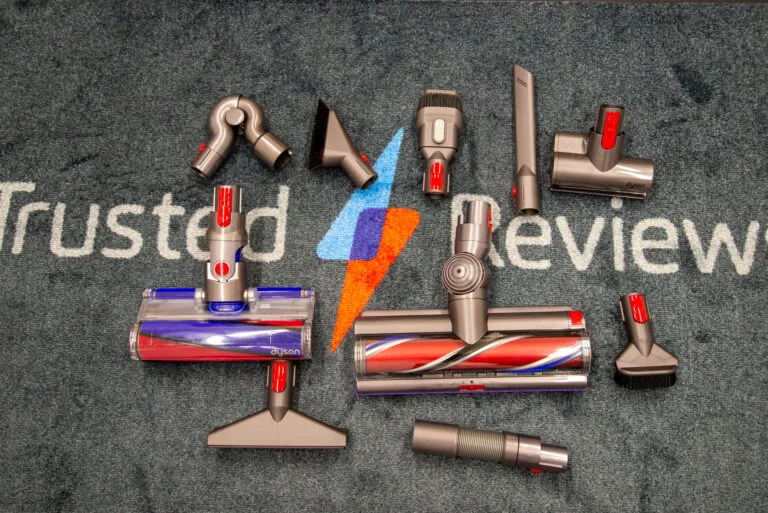
Our reviews are trusted by millions of users from around the world. We rigorously assess over 1000 products a year and we’ve become one of the largest review sites in the UK.

Our expert team
Many of the most experienced technology specialists in the UK, well known writers with many years’ expertise across mobile phone, computing, AV, photography and more.
Our awards
Proud to be nominated for a number of publishing industry awards in the last few years, including being shortlisted for Best Editorial Team by the PPA in 2017, Best Online Media Property by the AOP in 2018 and Best Online Brand by the AOP in 2022.
Our reviews
Our reviews are trusted by millions of users from around the world. We rigorously assess over 1000 products a year and we’ve become one of the largest review sites in the UK.