-

Fast Charge: Google One’s latest downgrades make me want to cancel my subscription
-
How to watch AEW Dynasty in UK: Live stream, PPV price, start time
-
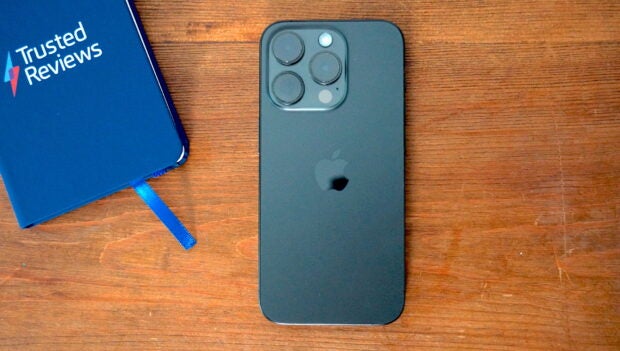
One of last year's top camera phones is now a fraction of the price
-
Voxi has the first big Samsung Galaxy A55 price cut
-
Man United vs Coventry Free Live Stream: How to watch the FA Cup semi-final
-
How to watch Man City vs Chelsea for free: FA Cup semi-final live stream
-
Kobo Libra Colour vs Kobo Clara Colour: Which one should you buy?







Latest Reviews
-
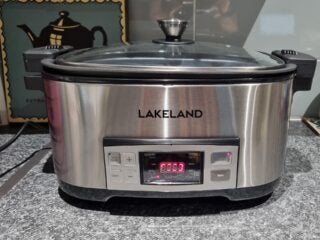
Lakeland 6.5L Searing Slow Cooker
Big and a breeze to use, but not that hot...
-
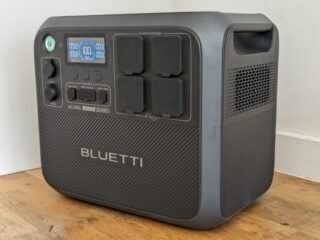
Bluetti AC200L
A pokey power supply that's surprisingly good value
-
Lenco L-3810
Because who doesn’t like a bit of modernity in their nice new record player?
-
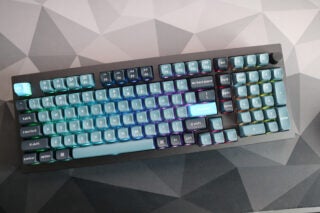
Keychron Q5 Pro
A big and heavy enthusiast-level monster

Top review categories

Why trust our reviews?

Founded in 2003, Trusted Reviews exists to give our readers thorough, unbiased and independent advice on what to buy
We never accept money to review anything. We make our money through affliliate links and advertising.
Our expert team

Many of the most experienced technology specialists in the UK, well known writers with many years’ expertise across mobile phone, computing, AV, photography and more.

Our awards

Proud to be nominated for a number of publishing industry awards in the last few years, including being shortlisted for Best Editorial Team by the PPA in 2017, Best Online Media Property by the AOP in 2018. and Best Online Brand by the AOP in 2022.

Our reviews
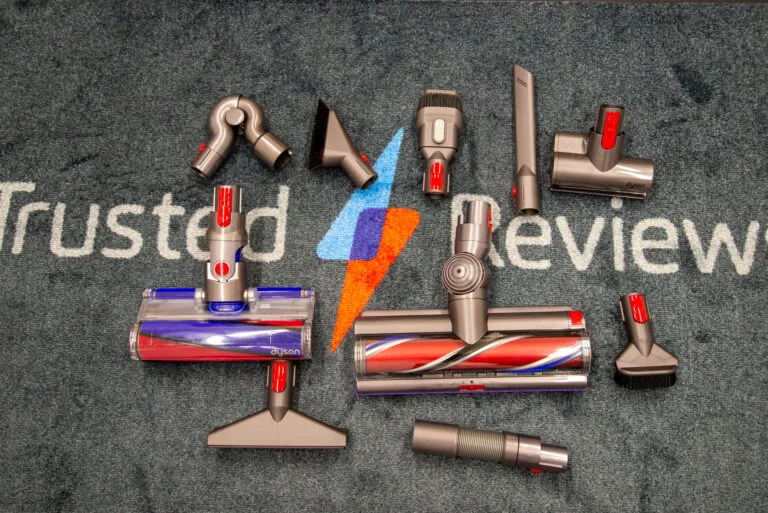
Our reviews are trusted by millions of users from around the world. We rigorously assess over 1000 products a year and we’ve become one of the largest review sites in the UK.

Our expert team
Many of the most experienced technology specialists in the UK, well known writers with many years’ expertise across mobile phone, computing, AV, photography and more.
Our awards
Proud to be nominated for a number of publishing industry awards in the last few years, including being shortlisted for Best Editorial Team by the PPA in 2017, Best Online Media Property by the AOP in 2018 and Best Online Brand by the AOP in 2022.
Our reviews
Our reviews are trusted by millions of users from around the world. We rigorously assess over 1000 products a year and we’ve become one of the largest review sites in the UK.